Tag your Flickr photos with what is in them.
Photo Stream Assistant suggests tags for your Flickr photos by looking at them on your Mac with Apple's Vision framework, and on macOS 27 with Apple silicon, Apple Intelligence also looks at each photo and writes a short title. Nothing is sent to a server and nothing is paid per photo. You select photos, review each suggestion, untick what you do not want, and the rest is applied as an ordinary bulk edit. Tags you already use are offered first, in your own spelling. The same on-device analysis finds look-alike photos and screenshots in Library health.
Select a batch, and your Mac suggests what is in each photo: the subject, the scene, the tags you already use. Untick what is wrong and apply the rest in one pass.

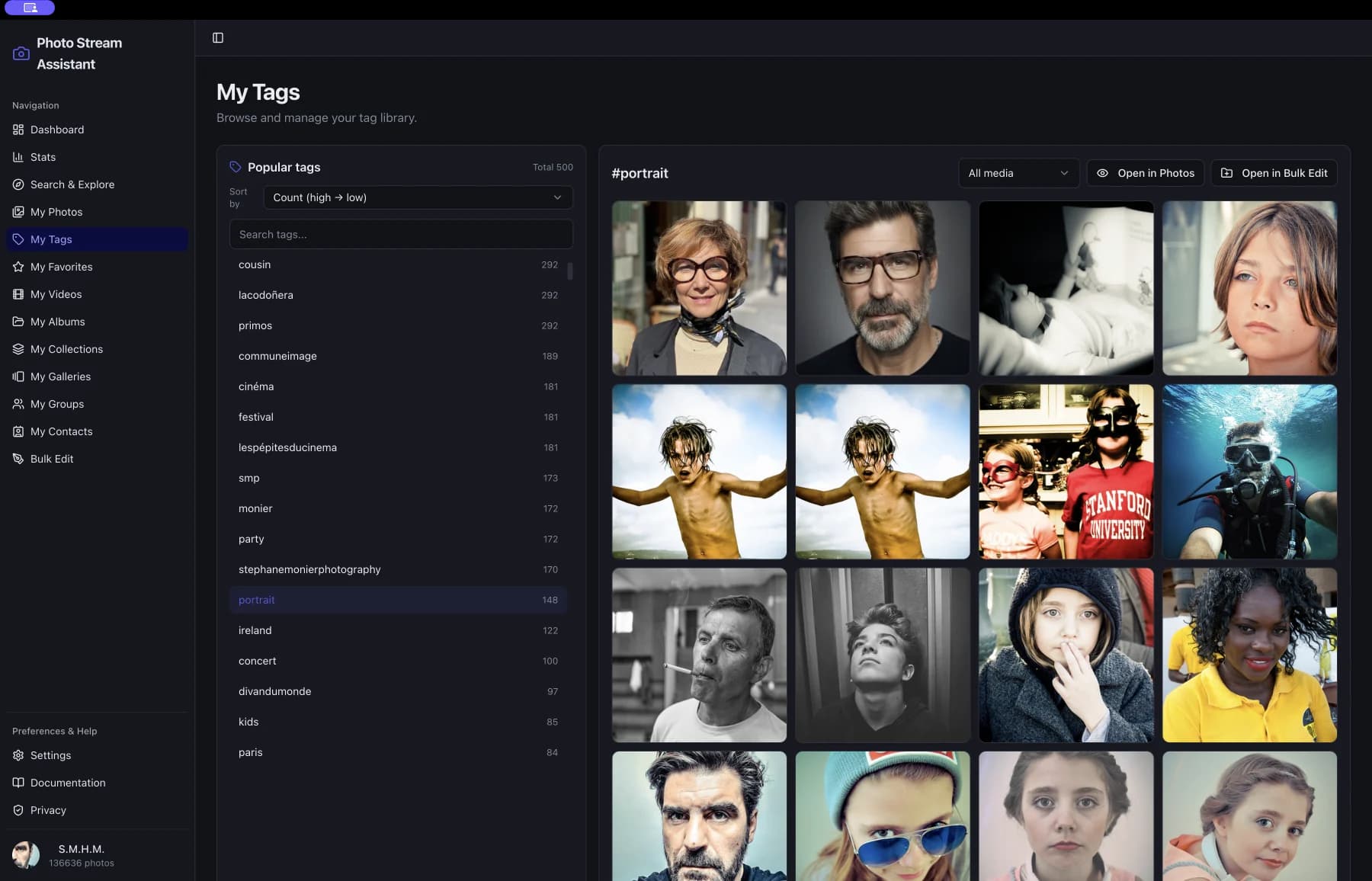
Untagged photos are lost photos
Flickr search, groups and your own albums all run on tags and titles, and most photos arrive with neither. Tagging a backlog by hand means opening every photo; cloud tagging services mean sending your library to someone else and paying per image.
- Tags suggested from what is in each photo, by Apple's Vision framework running on your Mac.
- On macOS 27 with Apple silicon, the tags come from Apple Intelligence looking at the photo ("rock face, ocean, shoreline") rather than from Vision's word list, and a photo's details and Edit Metadata suggest a title and tags for that one photo.
- Your own vocabulary first: a subject you already tag is offered in your spelling, singular or plural, and a tag the photo already has is never suggested again.
- Nothing is applied until you have seen it: each photo's suggestions are toggles, and Add applies only what is left ticked.
- Short titles for IMG_4821-style photos: on macOS 27 with Apple silicon, Apple Intelligence looks at the photo itself and writes one in the app's language, using your own tags, description and the place.
- Applied through the usual bulk edit: progress, a result that says what Flickr accepted, and an entry in History.
- Private and free to run: Flickr's own image is read on your Mac, nothing goes to Apple, the developer or anyone else, and nothing is paid per photo.
- In Library health, the same analysis finds look-alike photos and screenshots across the whole library.
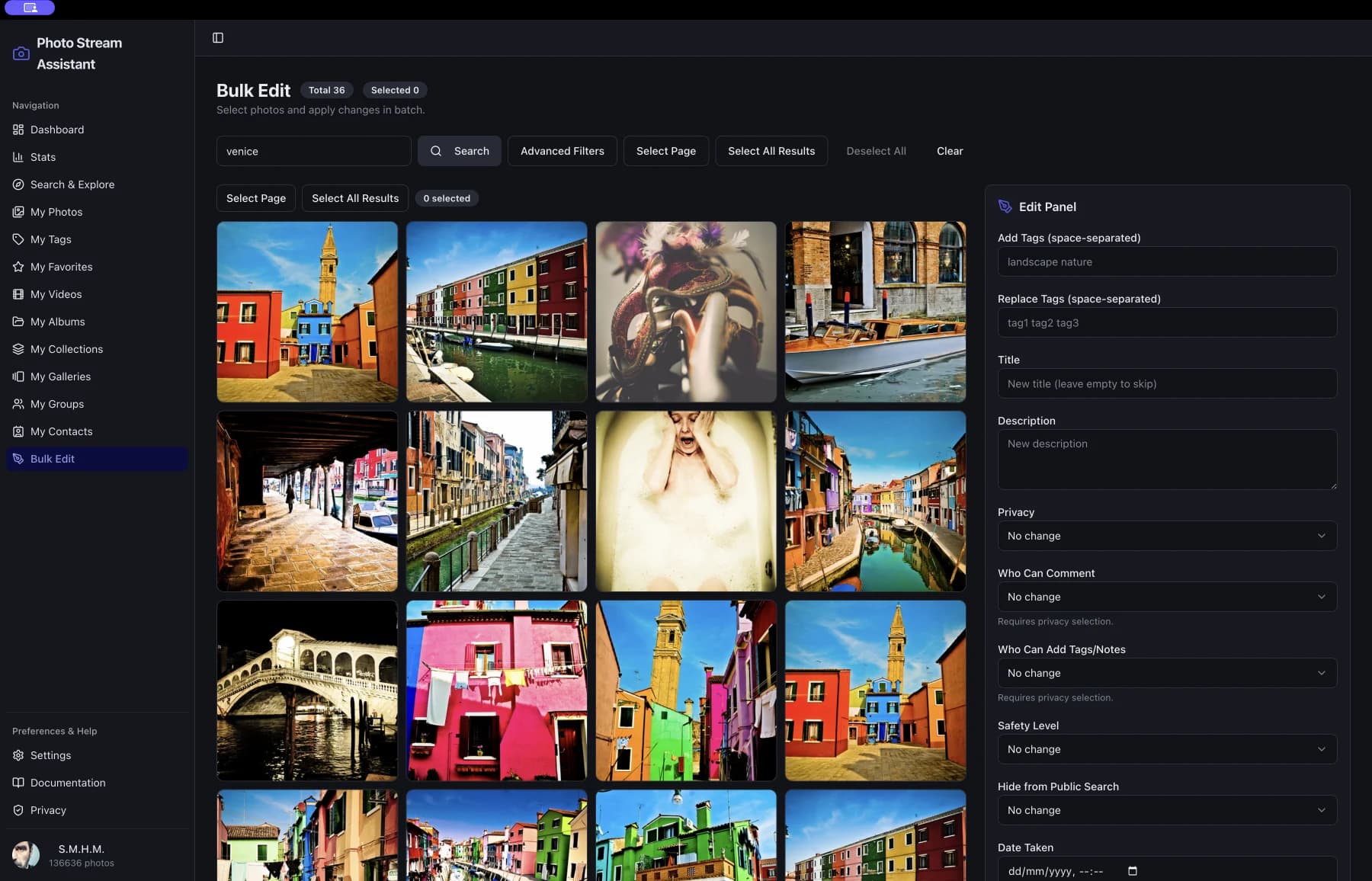
How suggestions work
- Select photos wherever your own photos are shown: My Photos, an album, Bulk Edit or a Library health list.
- Choose More > Suggest tags, or Suggest titles. The app reads each photo's current title and tags, then your Mac looks at the picture.
- Review: each photo shows its suggestions, the ones already in your library marked. Untick anything wrong, or edit a title.
- Add. The tags or titles are written to Flickr as one bulk edit, with progress and History.
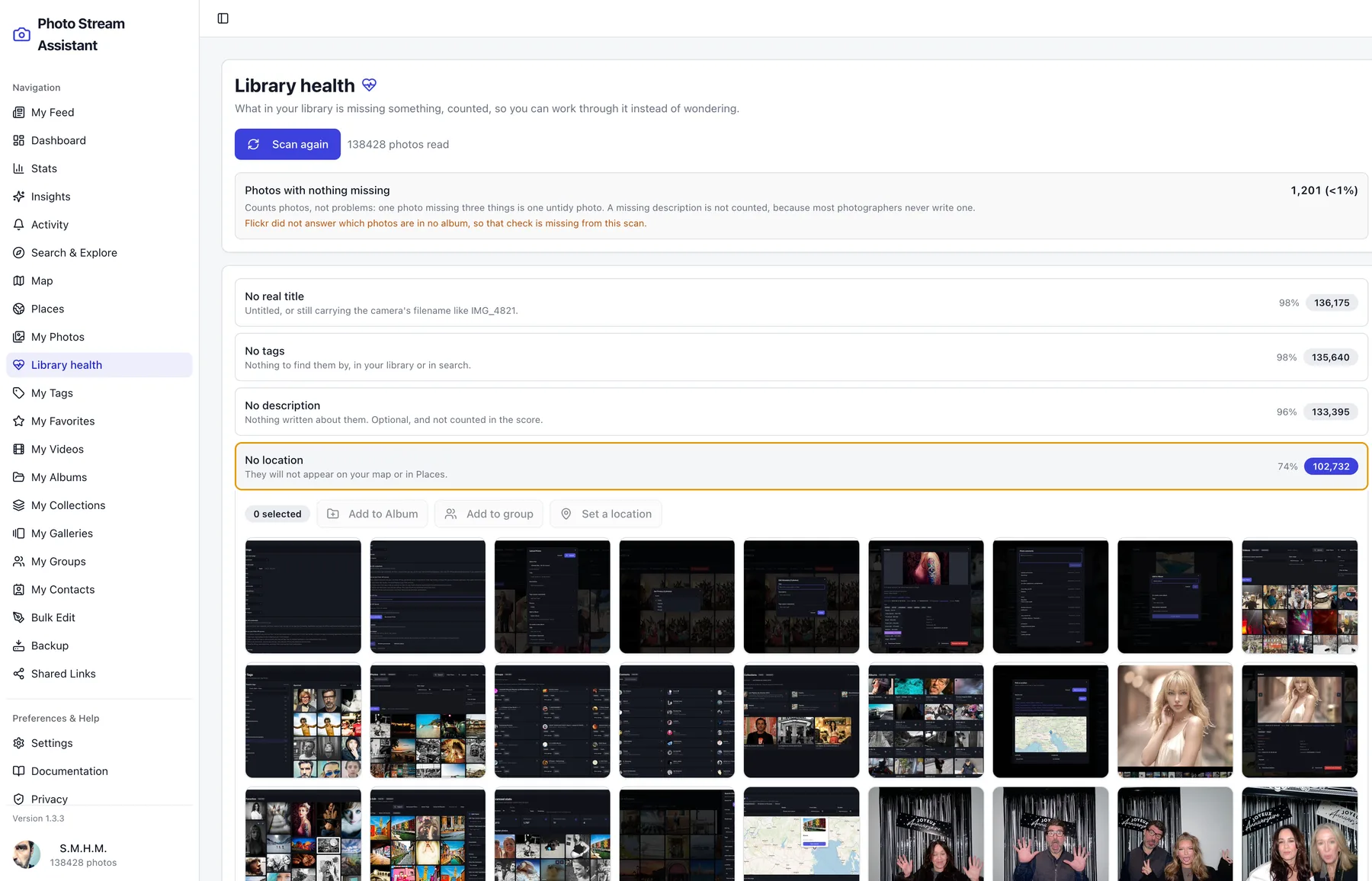
Auto-tagging screenshots
These screens show how the workflow looks inside Photo Stream Assistant on macOS.
Frequently asked questions
Are my photos uploaded to an AI service?
No. The analysis is Apple's Vision framework running on your Mac, and titles come from Apple Intelligence's on-device model. The app downloads Flickr's own copy of each photo to your Mac to look at it; nothing about it is sent to Apple, the developer or any other service.
Which language are suggested tags in?
English, Vision's own vocabulary, unless your library already uses the word: then it is offered in your spelling. Titles are written in the app's language, except Russian, which Apple Intelligence does not write yet: there they are in English.
Does the title writer see the photo?
Yes. Titles are written by Apple Intelligence's on-device model looking at the photo itself, with your own tags, description and the place, so they read like a photographer's ("Road through the mountains", "Joshua tree in Mojave" when you tagged it so). That needs macOS 27 on a Mac with Apple silicon, and the app offers it only after the model has answered a small test image on your Mac. Earlier systems only let the model read words, and titles written that way were too poor to offer.
What does it need?
Tag suggestions and look-alike photos work on every Mac the app supports. The screenshot check uses Vision's own flag from macOS 15, and its labels before that. Titles need macOS 27 on a Mac with Apple silicon, with Apple Intelligence turned on; elsewhere the menu says why. Intel Macs get tags, look-alikes and screenshots, not titles.
Is it part of Pro Unlock?
Suggestions are in the free app, ten photos at a time like every bulk edit; Pro Unlock removes the limit. Comparing pictures for look-alikes and screenshots is in Library health, which is part of Pro Unlock.
Does it remember what it saw?
Yes, on your Mac only. Each photo is analysed once, so a second look is instant and comparing again after new uploads reads only the new photos. Settings > Forget clears it.
Related workflows
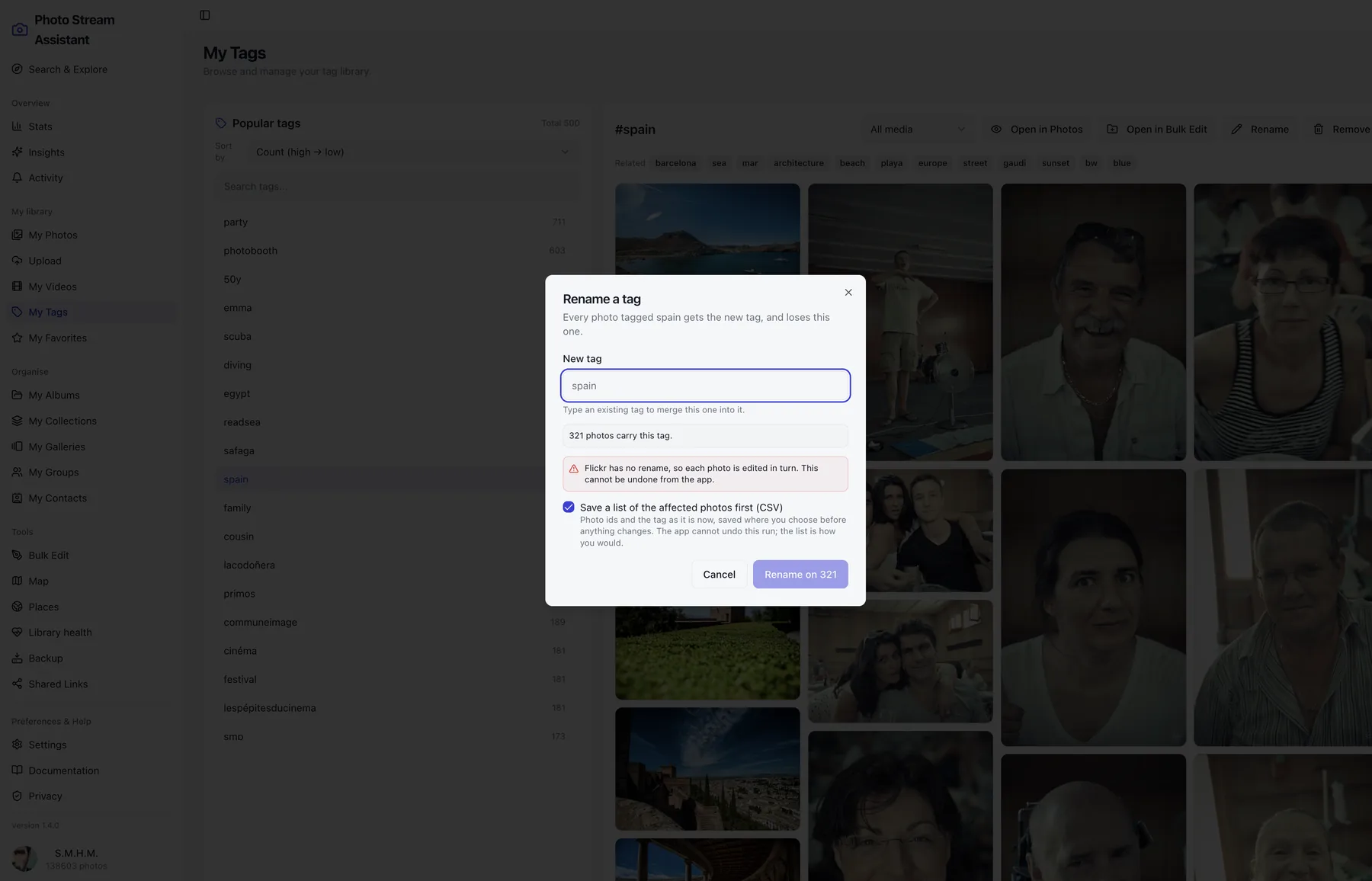
Flickr Tag Manager
Rename a Flickr tag across your entire library, merge one tag into another, or remove it everywhere, from a Mac app. Flickr's site cannot do this.
Library Health
Scan your Flickr library and count the photos with no real title, no tags, no location or no album, then fix them in batches from the same screen.
Flickr Metadata Editor
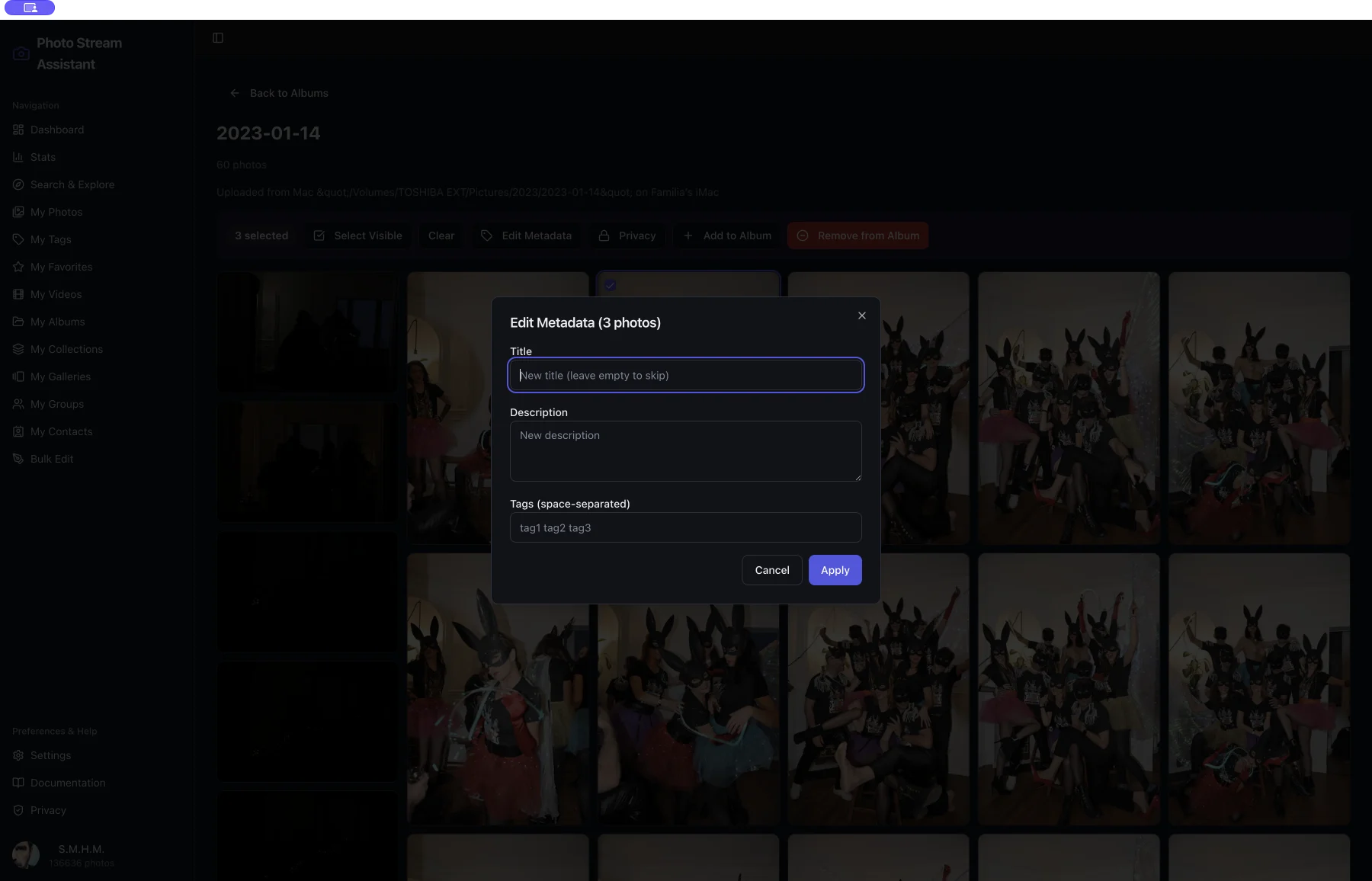
Edit Flickr titles, descriptions and tags across a whole selection on Mac, with a choice of adding tags or replacing them. One dialog, many photos.
At a glance
- Platform
- macOS 12.0 or later, Apple silicon or Intel
- Price
- Free to download. Pro Unlock is a one-time purchase of 12.99 EUR, not a subscription.
- Requires
- A Flickr account. Some features need Flickr Pro, which is Flickr’s own subscription.
- Languages
- English, French, German, Spanish, Italian, Portuguese, Russian, Chinese
- Version
- 1.6.0, on the Mac App Store