Your Flickr library, on your own disk.
Photo Stream Assistant downloads your Flickr library to a folder you choose on your own Mac: original files where Flickr offers them, laid out by year and month, by album, or all in one folder, with a JSON file beside each photo holding the title, description, tags, dates, licence and coordinates that Flickr keeps in its database rather than in the image. A run can be stopped and resumed, and a second run downloads only what is missing. The free app backs up 25 photos per run; the one-time Pro Unlock removes the limit.
Photo Stream Assistant downloads your library to a folder you choose on your Mac - originals where Flickr has them, laid out by date or by album, with a small JSON file beside each photo holding everything Flickr knows about it.

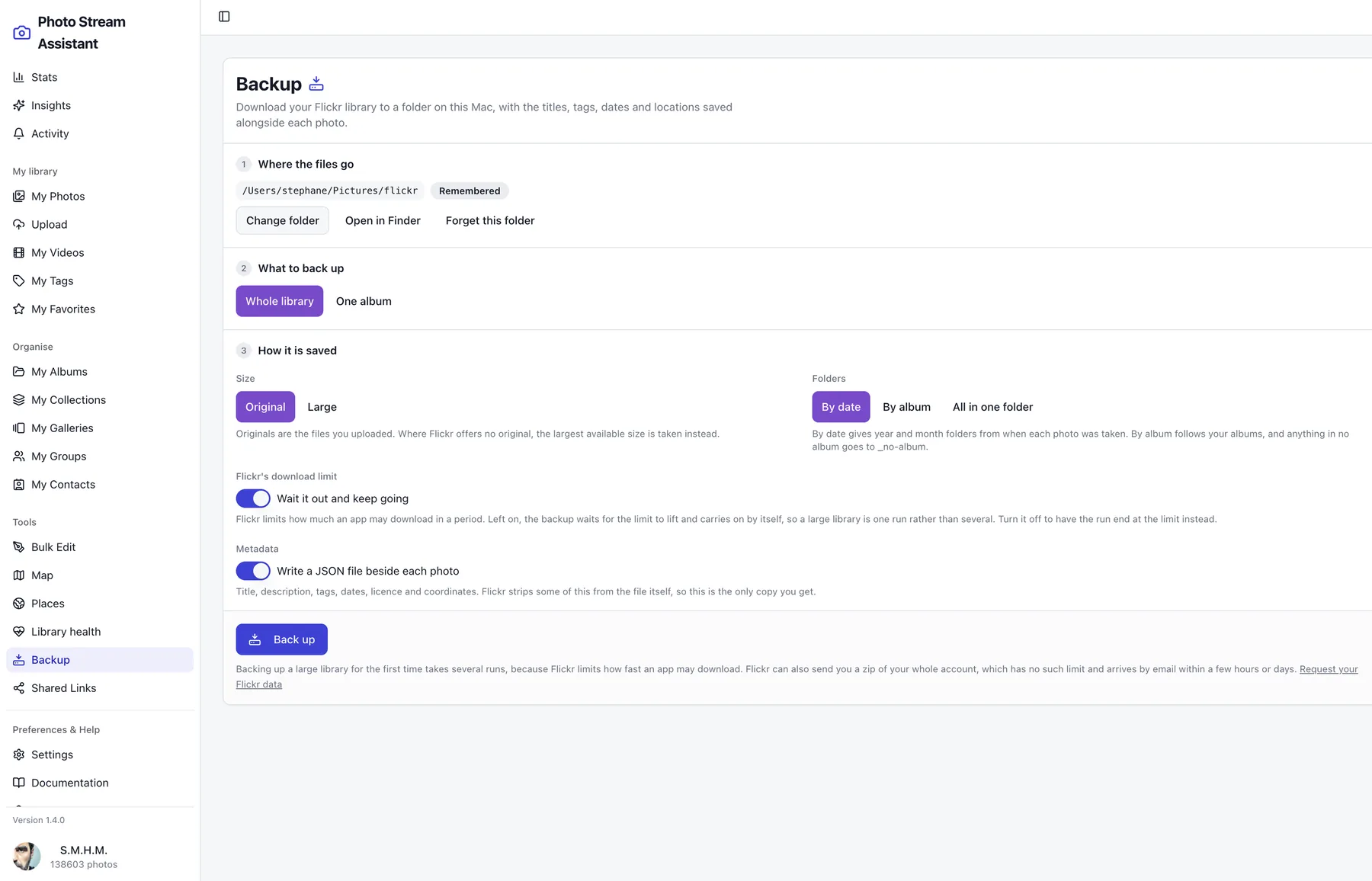
A photo file on its own has lost most of what you wrote
Downloading photos one at a time is slow, and the copy you end up with is not the whole thing: the title you gave it, the description, the tags, the album it belonged to and often the location live in Flickr's database, not inside the image file. Save only the pixels and the years of work around them are gone.
- The whole library, or a single album, downloaded in original size where Flickr offers one.
- A JSON file beside each photo with the title, description, tags, dates, licence and coordinates.
- Folders by year and month from the date each photo was taken, by album, or everything in one folder.
- Stop any time and pick up later: a second run downloads only what is missing.
- Written to a folder on your Mac, including an external disk. Nothing is uploaded anywhere.
How a backup runs
- Choose a folder once. The app remembers it, external disks included, and asks nothing further.
- Pick the whole library or one album, original or large, and how the folders should be laid out.
- Leave it running. Progress is shown photo by photo, and one failed download does not stop the rest.
- Run it again whenever you like. What is already saved is skipped, so only new photos are fetched.
Flickr Backup screenshots
These screens show how the workflow looks inside Photo Stream Assistant on macOS.
Frequently asked questions
Where do the files go?
Into a folder you pick on your own Mac, and nowhere else. The app has no server and uploads nothing: the only writes it can make are inside the folder you chose, which macOS enforces through the App Sandbox.
What is in the JSON file beside each photo?
The title, description, tags, date taken, date uploaded, licence, coordinates when the photo has them, and the albums it belongs to. Flickr strips some of this from the image file itself, so for those fields this is the only copy you get.
Do I get the original files?
Where Flickr offers an original, yes. Where it does not, the largest size available is downloaded instead, so a photo is never skipped for want of an original, and the summary at the end says how many were saved that way. A Free Flickr account gets nothing above 1024 pixels through the API, to the owner included, and the screen says so before the run starts.
How long does a full backup take?
Longer than you would like, and that is Flickr's doing rather than the app's: Flickr limits how much any application may download in a period. The app paces itself to a rate Flickr accepts, and when the limit is reached in full it waits for it to lift and carries on by itself, with a countdown on screen. A large library is one run you can leave to it rather than several you have to remember. For a first backup of a very large library, requesting your data from Flickr directly is faster than anything the API allows.
What happens if it stops halfway?
Nothing is lost. Every finished photo is recorded in the folder, so the next run reads that record and downloads only what is missing. A part-downloaded file is never left behind under a name that would make it look complete.
Will it download the same photos twice if I rename them?
No. Photos are matched by their Flickr id rather than by file name, so retitling a photo on Flickr does not cause it to be fetched again.
Is backup part of Pro Unlock?
The free app downloads 25 photos per run, which is enough to see the whole thing work on your own library before you decide. Pro Unlock removes the limit, and is a one-time purchase rather than a subscription.
Related workflows
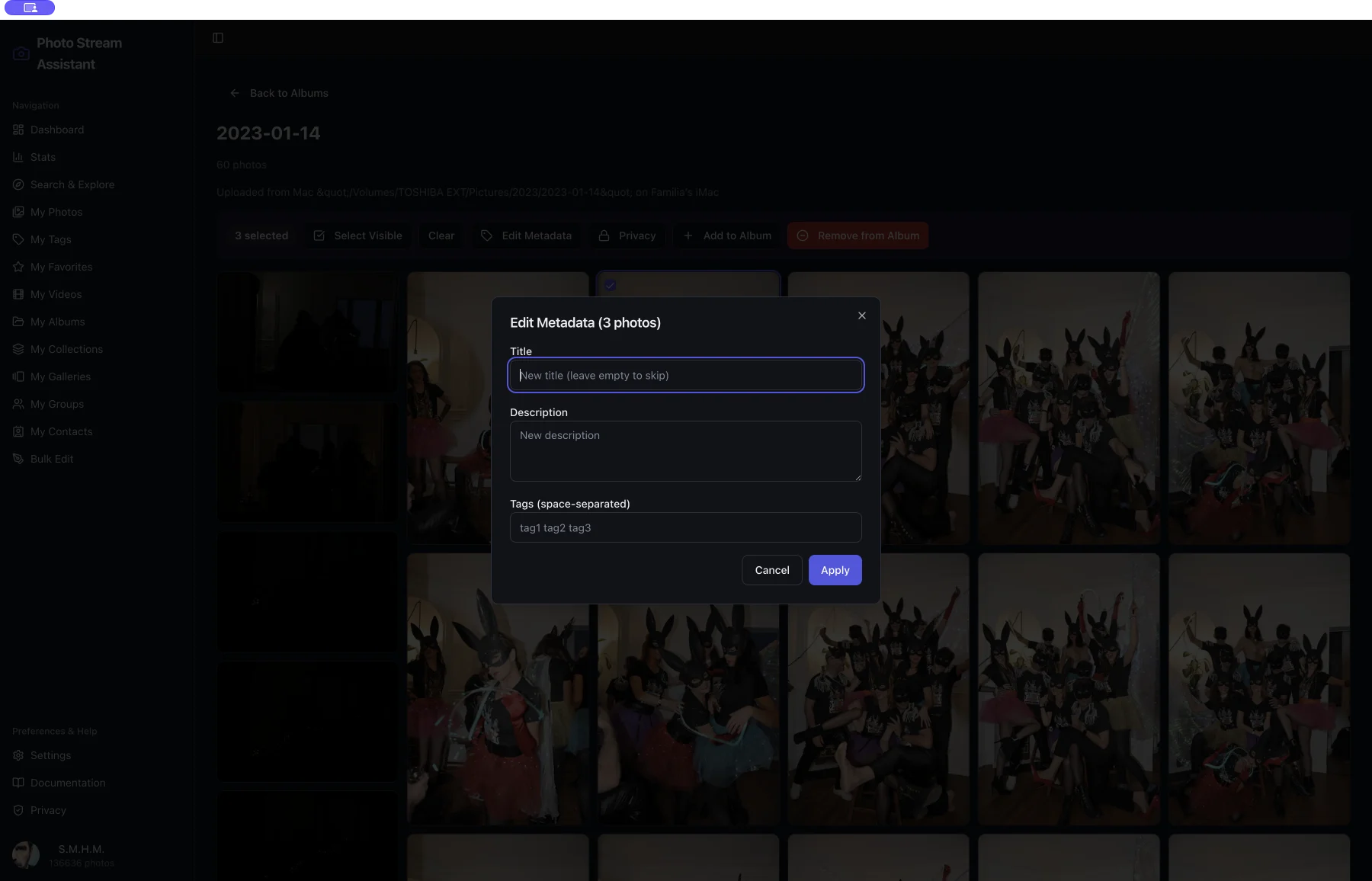
Flickr Metadata Editor
Edit Flickr titles, descriptions and tags across a whole selection on Mac, with a choice of adding tags or replacing them. One dialog, many photos.
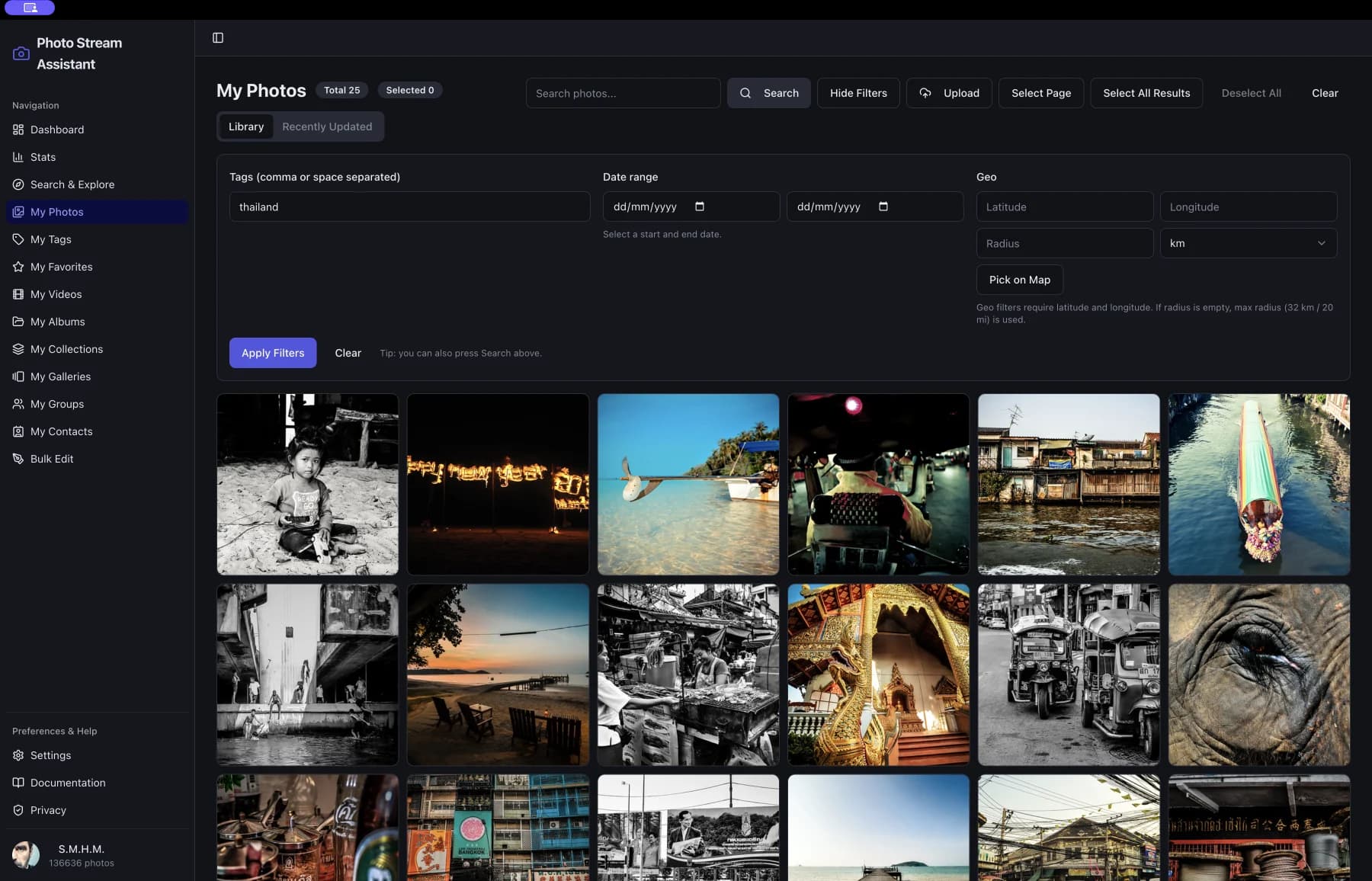
Flickr Photo Organizer
Organize a large Flickr library on Mac: browse everything in one window, filter, select across pages, and act on the selection at once.
Flickr Desktop App
A native Flickr desktop app for Mac, Apple silicon and Intel: your whole library, feed, map and stats in one window, with bulk editing built in.
At a glance
- Platform
- macOS 12.0 or later, Apple silicon or Intel
- Price
- Free to download. Pro Unlock is a one-time purchase of 12.99 EUR, not a subscription.
- Requires
- A Flickr account. Some features need Flickr Pro, which is Flickr’s own subscription.
- Languages
- English, French, German, Spanish, Italian, Portuguese, Russian, Chinese
- Version
- 1.5.0, on the Mac App Store
How-to guides for this
- How to download your whole Flickr library: There are three ways to download everything you have on Flickr, and they differ in what you get back.